FreeCell Solitaire
Play FreeCell Solitaire for free in your browser, with no sign-up. Every card is face up, and by default every deal is solvable.
How to play FreeCell
FreeCell is played with one standard 52-card deck. Every card is dealt face up, so there are no hidden cards and no stock, and you can plan each deal from start to finish.
Goal
Move every card to the four foundations. Each foundation starts with an ace and is built up in the same suit all the way to the king.
The layout
- 8 columns: the first four get 7 cards and the other four get 6 cards.
- 4 free cells: each holds any one card.
- 4 foundations: the cards are collected here by suit, from ace to king.
Moves
- In the columns, build down in alternating colours, for example a black 8 on a red 9.
- The top card of a column can go into a free cell, and from there back to a column or up to a foundation.
- Any card can go into an empty column.
- A run moves as a whole if it could be moved card by card through the free cells and empty columns. You can move one card more than there are free cells, and each empty column doubles that number. With three free cells and one empty column you can move 8 cards. When the run goes into an empty column, that column does not count.
- Cards go to the foundations one at a time. A card on a foundation cannot be taken back.
Only solvable deals
Almost every FreeCell deal can be solved. With the option “Only solvable deals” on, the game deals only deals its solver has solved, so every game can be won. The option is on by default, and you can turn it off in the settings.
Playing on this page
- Tap a card and it moves to a good place: first to a foundation, then to a column, and last to a free cell. You can also drag cards and runs.
- Undo takes back moves one at a time to the start of the game, and Hint shows a useful move.
- When no useful moves are left, a panel at the bottom of the table offers Undo 10 moves, Restart and New game.
- When the cards in every column are in falling order, the game moves the rest of the cards to the foundations by itself.
- An unfinished game is saved in your browser, so you can continue it later on the same device.
Tips
- Keep the free cells empty for as long as you can. Every full cell shortens the run you can move.
- An empty column is worth more than a free cell, because it doubles the run you can move.
- Free the aces and twos first, especially when they are deep in a column.
- Think a few moves ahead before you fill the last free cell.
Frequently asked questions
Is FreeCell free?
Yes. You play right in your browser with no sign-up and no download, and there is no limit on how much you play.
Can every FreeCell deal be solved?
Almost every one. With “Only solvable deals” on, the game deals only deals its solver has solved.
How many cards can I move at once?
One more than the number of free cells, and each empty column doubles it. If you move the run into an empty column, that column does not count.
Is an unfinished game saved?
Yes. The game and your statistics are saved in this browser on the same device. If you clear your browser data or play in a private window, they are not kept.
How is FreeCell different from Klondike?
In Klondike many cards are face down or in the stock, so luck plays a part. In FreeCell every card is visible from the start, and the four free cells give you room to plan.
Can I play FreeCell on my phone?
Yes. This page works in your phone’s browser, and the same FreeCell is also in the Klassik Solitaire Advanced app, free on Google Play.
More games
 SolitaireKlondike Solitaire with Draw 1 or Draw 3. Hints, undo and your game saved in the browser. Free.
 Spider SolitaireSpider Solitaire with two decks and ten columns. Choose 1, 2 or 4 suits and play for free.
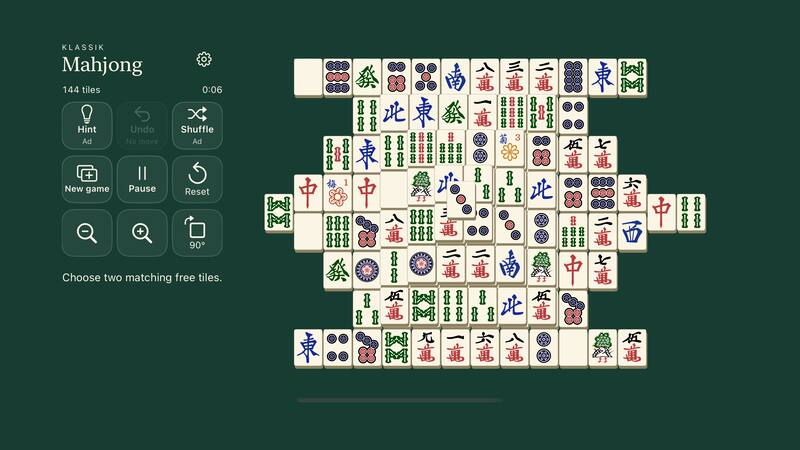
 Mahjong SolitaireClassic 144-tile mahjong solitaire. Play free in your browser, with no sign-up.
 SudokuFree sudoku with four levels and a daily puzzle. Notes, hints and progress saved in your browser.
 Snake GameThe classic snake game in your browser: eat apples and grow the snake. Three modes, three speeds, free.
 MinesweeperMinesweeper with three levels and custom sizes. No-guess boards can always be solved by logic.
 ChessPlay chess against the computer at six levels, or with a friend on the same device.
 Word SearchFind the words in the letter grid. Three difficulty levels, four grid sizes and a daily puzzle.
 Untangle GameA rope puzzle with 150 levels: drag the pegs until no rope crosses another. Play free in your browser.
 Bubble GameA bubble shooter in your browser: aim, shoot and pop bubbles of the same colour. Levels and endless mode, free.
 Pyramid SolitaireClear a 28-card pyramid with pairs that add up to 13. Solvable deals, hints and undo. Free to play.
 TriPeaks SolitaireClear three peaks with cards one rank higher or lower. Long runs score more points. Solvable deals. Free.
More from HD SofT
We also make apps for phones, TVs and computers.