
Word Search
Find the listed words in the letter grid. Play free in your browser, with no sign-up and no download.
How to play word search
In a word search, words are hidden among the letters of a grid. The list shows the words you need to find.
Goal
Find every word on the list. The puzzle is solved when the last word is found.
Which way the words run
A word always runs in a straight line, with no bends or gaps. Words can cross and share a letter. Each word is hidden in the grid once.
- Easy: left to right and top to bottom.
- Normal: also diagonally from left to right, both down and up.
- Hard: in all eight directions, also backwards from right to left and from bottom to top.
Grid size
The grid can be 8 × 8 (6 words), 10 × 10 (8 words), 12 × 12 (10 words) or 15 × 15 (14 words). You can change the difficulty and the size in the settings; the change applies from the next game.
How to play on this page
- Drag with your finger or mouse from the first letter of a word to the last. You can start from either end.
- You can also tap or click the first letter and then the last letter of the word.
- A found word gets its own colour in the grid and is crossed off the list.
- A hint briefly highlights the first letter of a word you have not found yet.
- The daily game is the same for everyone: Normal level and a 10 × 10 grid. A new one comes every day.
- An unfinished game is saved in your browser, so you can continue it later on the same device.
The words
The words are common English nouns. The list is the Basic list of the Klassik Word Search app, built from the English Speller Database (SCOWL, © Kevin Atkinson) and Google Books Ngram word frequencies (CC BY 3.0, modified).
Tips
- If a word has a rare letter such as Q, Z, X or J, look for that letter first. There are few of them in the grid, so the word is quicker to find.
- Scan the grid one row at a time and look for the first letter of each word.
- Find the long words first, because they take up the most room in the grid.
- On Hard, remember to read backwards too: a word can start at the right or bottom edge.
Frequently asked questions
Is this word search free?
Yes. You can play word search on this page for free, with no sign-up and no download, and there is no limit on the number of games.
What is the daily game?
The daily game is the same Normal-level 10 × 10 grid for every player, and a new one comes every day. When you solve it, you see how many days in a row you have solved it.
How does the hint work?
A hint briefly highlights the first letter of a word you have not found yet. You can use as many hints as you like, and at the end of the game you see how many you used.
Is my game saved?
An unfinished game and your statistics are saved in this device’s browser. They do not move to another device, and clearing the browser data removes them.
Can I play on my phone?
Yes. The game works in the browser on phones and tablets, and you can select a word by dragging or tapping. Klassik Word Search is also available as an app for Android, iPhone and iPad, and the app also has a Hidden Words game and your own word lists.
I found an odd word. What should I do?
Let us know at support@hdsoft.fi and we will check the word.
More games
 SolitaireKlondike Solitaire with Draw 1 or Draw 3. Hints, undo and your game saved in the browser. Free.
 Spider SolitaireSpider Solitaire with two decks and ten columns. Choose 1, 2 or 4 suits and play for free.
 Mahjong SolitaireClassic 144-tile mahjong solitaire. Play free in your browser, with no sign-up.
 SudokuFree sudoku with four levels and a daily puzzle. Notes, hints and progress saved in your browser.
 Snake GameThe classic snake game in your browser: eat apples and grow the snake. Three modes, three speeds, free.
 MinesweeperMinesweeper with three levels and custom sizes. No-guess boards can always be solved by logic.
 FreeCellFreeCell with four free cells. Every card face up and, by default, only solvable deals. Free to play.
 ChessPlay chess against the computer at six levels, or with a friend on the same device.
 Untangle GameA rope puzzle with 150 levels: drag the pegs until no rope crosses another. Play free in your browser.
 Bubble GameA bubble shooter in your browser: aim, shoot and pop bubbles of the same colour. Levels and endless mode, free.
 Pyramid SolitaireClear a 28-card pyramid with pairs that add up to 13. Solvable deals, hints and undo. Free to play.
 TriPeaks SolitaireClear three peaks with cards one rank higher or lower. Long runs score more points. Solvable deals. Free.
More from HD SofT
We also make apps for phones, TVs and computers.
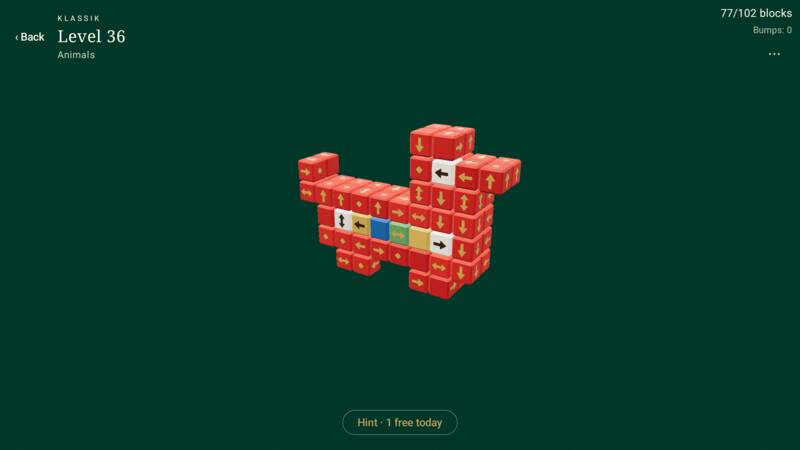 Klassik Wood BlocksA calm 3D puzzle: 120 wooden figures to take apart, no timer. Free on Android and iPhone.Learn more
 SankkiShanghai rummy online: 2–6 players, house rules per table. First game free.Learn more
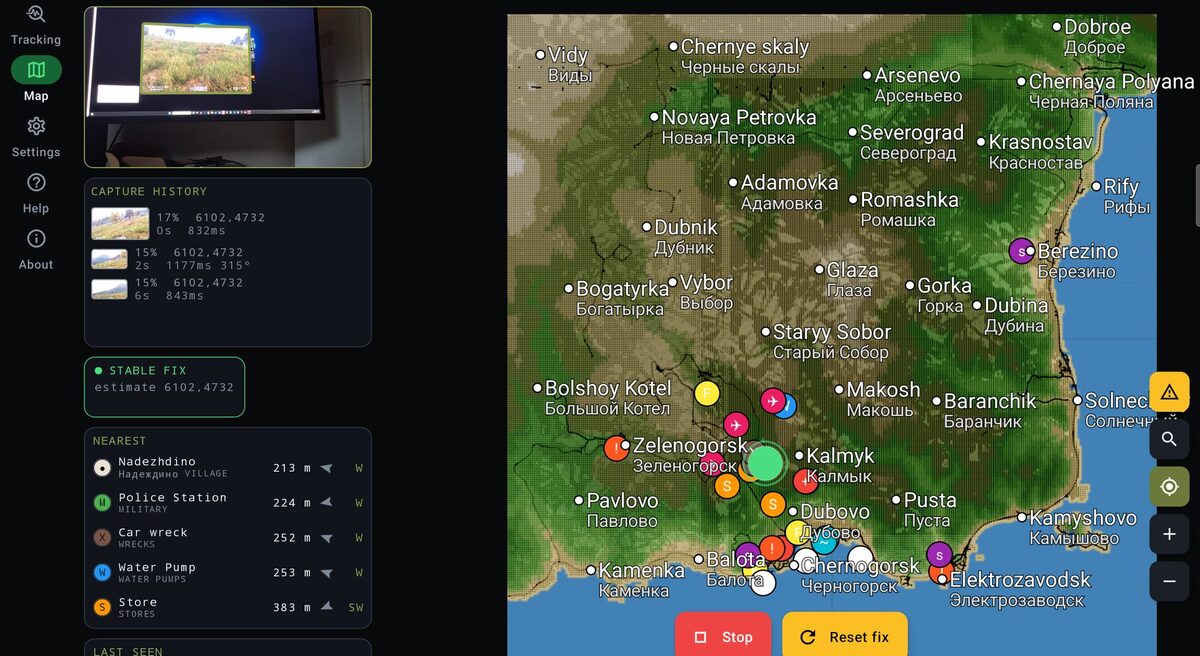 ZLocatorWhere are you in DayZ? Your phone camera reads the game screen and shows your position on the map.Learn more