
Snake Game
Steer the snake, eat apples and don’t let it hit the wall or itself. Play free in your browser, with no sign-up and no download.
How to play the snake game
The snake keeps moving forward on a grid, and you decide where it turns. Each apple makes the snake one square longer and gives you points. The game ends when the snake crashes.
Goal
Eat as many apples as you can. A new apple appears on a random free square as soon as you eat one. If the snake grows long enough to fill the whole board, you win.
Controls
- With a keyboard: the arrow keys or W, A, S and D. Space or P pauses the game, and the same key continues it.
- On a touch screen: swipe on the board in the direction you want, or tap the direction buttons below the board.
- The game starts when you choose the first direction.
- The snake cannot turn straight back. To turn around, make two quick turns: a snake moving right can go up and then left, for example.
Modes
- Walls: the edge of the board is a wall, and hitting it ends the game.
- Open edges: when the snake goes over an edge, it comes out on the opposite side. The game ends only if the snake runs into itself.
- Obstacles: the edges are walls, and there are four L-shaped obstacles near the corners.
Speed and points
There are three speeds: slow, normal and fast. The snake gets a little faster with each apple until it reaches the top speed of your setting.
An apple gives 1 point at slow speed, 2 points at normal speed and 3 points at fast speed.
Board size
The board can be small (10 × 10 squares), medium (15 × 15) or large (20 × 20). You can fill the small board completely, but the snake gets long quickly.
Playing on this page
- You can change the mode, speed and board size in the settings. The change applies to the next game.
- The game pauses by itself when you switch tabs or go to another app.
- An unfinished game is saved in your browser. When you come back to the page on the same device, the game waits, paused, where you left off.
- Your best score is saved in your browser separately for each combination of mode, speed and board size.
Tips
- At the start, move along the edges and keep the middle of the board free.
- When the snake is long, sweep the board back and forth one row at a time. That way the snake does not trap itself.
- Don’t follow an apple into a narrow gap if you can’t see a way out.
- With open edges, the shortest way to an apple often goes over an edge.
Frequently asked questions
Is the snake game free?
Yes. You play it in your browser for free, with no sign-up and nothing to install.
Does it work on a phone?
Yes. On a phone or tablet you steer the snake by swiping on the board or with the direction buttons below it.
Is my game saved?
An unfinished game and your best scores are saved in the browser on this device. They do not move to your other devices. In a private window, they are deleted when you close the window.
Why can’t the snake turn straight back?
It would run into its own body, so the opposite direction is ignored. You can turn around with two turns in a row.
Can you win the snake game?
Yes. When the snake fills the whole board, you win. It is easiest on the small board.
How are points counted?
An apple gives 1 point at slow speed, 2 at normal speed and 3 at fast speed. Best scores are kept separately for each combination of mode, speed and board size.
More games
 SolitaireKlondike Solitaire with Draw 1 or Draw 3. Hints, undo and your game saved in the browser. Free.
 Spider SolitaireSpider Solitaire with two decks and ten columns. Choose 1, 2 or 4 suits and play for free.
 Mahjong SolitaireClassic 144-tile mahjong solitaire. Play free in your browser, with no sign-up.
 SudokuFree sudoku with four levels and a daily puzzle. Notes, hints and progress saved in your browser.
 MinesweeperMinesweeper with three levels and custom sizes. No-guess boards can always be solved by logic.
 FreeCellFreeCell with four free cells. Every card face up and, by default, only solvable deals. Free to play.
 ChessPlay chess against the computer at six levels, or with a friend on the same device.
 Word SearchFind the words in the letter grid. Three difficulty levels, four grid sizes and a daily puzzle.
 Untangle GameA rope puzzle with 150 levels: drag the pegs until no rope crosses another. Play free in your browser.
 Bubble GameA bubble shooter in your browser: aim, shoot and pop bubbles of the same colour. Levels and endless mode, free.
 Pyramid SolitaireClear a 28-card pyramid with pairs that add up to 13. Solvable deals, hints and undo. Free to play.
 TriPeaks SolitaireClear three peaks with cards one rank higher or lower. Long runs score more points. Solvable deals. Free.
More from HD SofT
We also make apps for phones, TVs and computers.
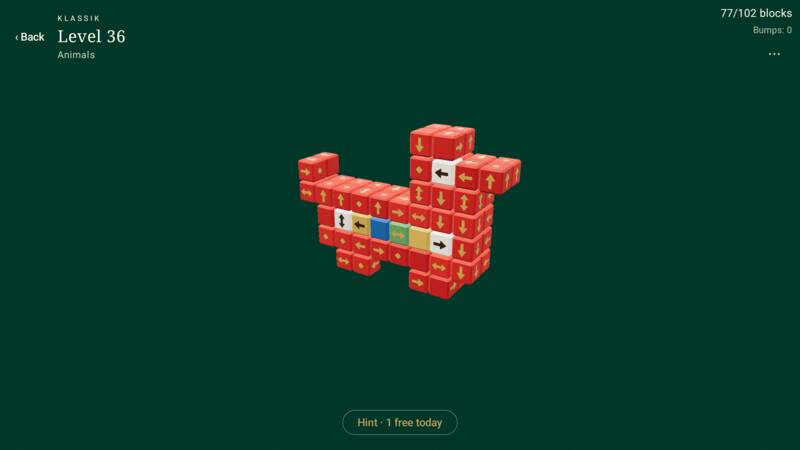 Klassik Wood BlocksA calm 3D puzzle: 120 wooden figures to take apart, no timer. Free on Android and iPhone.Learn more
 Easy Photo PlayerYour Google Photos as a slideshow on your TV.Learn more
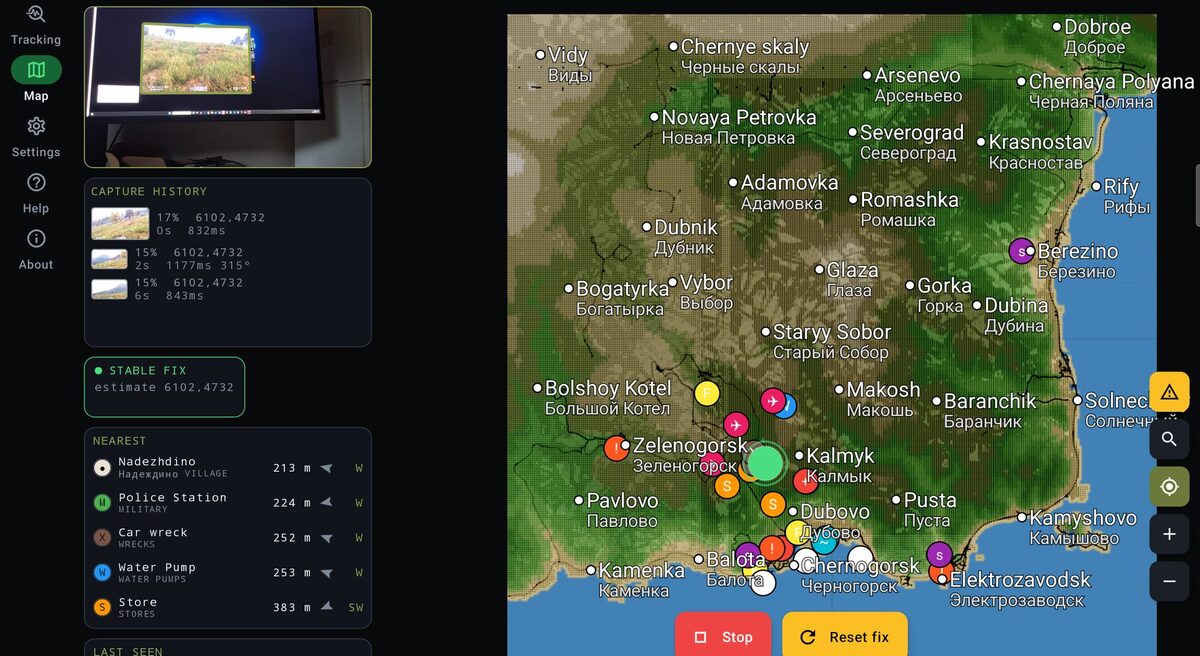 ZLocatorWhere are you in DayZ? Your phone camera reads the game screen and shows your position on the map.Learn more